When Every Second Counts
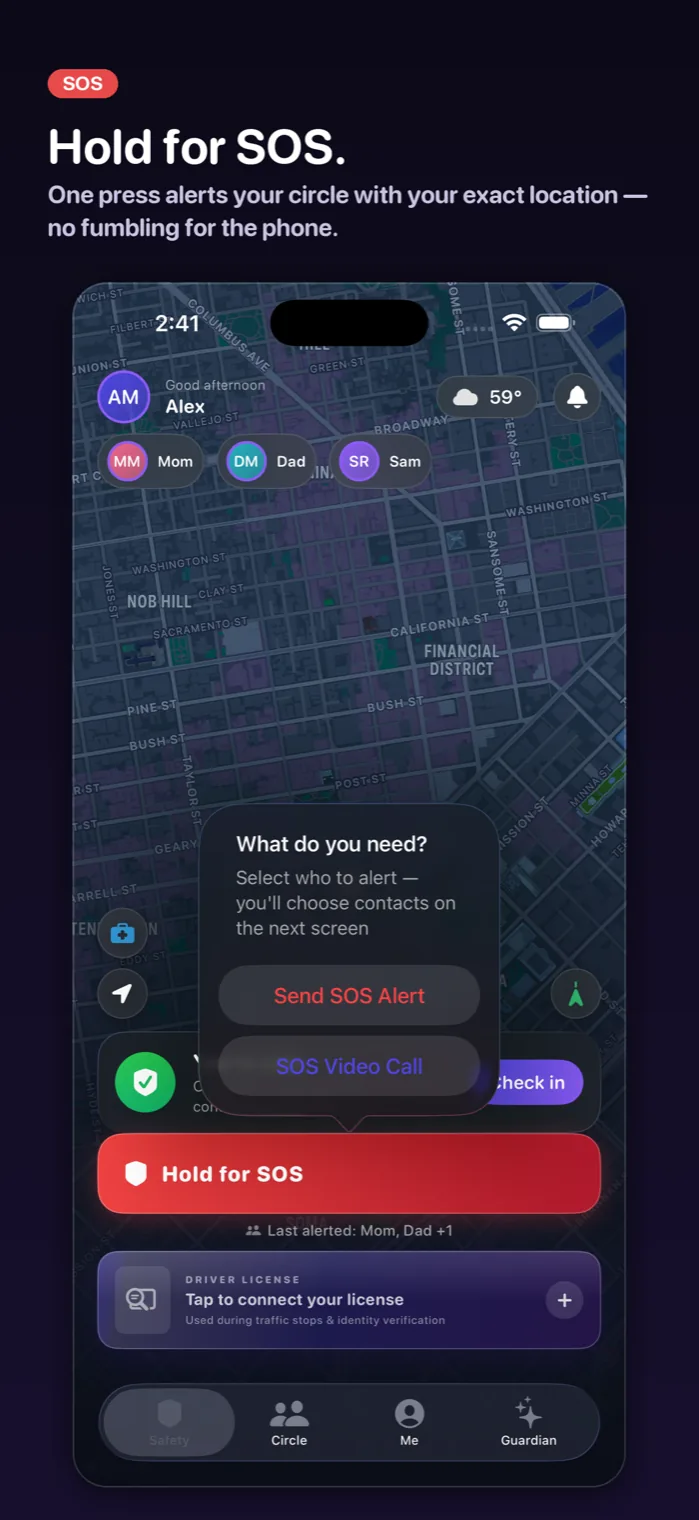
In a dangerous situation, you don't have time to unlock your phone, find an app, and type a message. Trust Circle's one-tap SOS eliminates every barrier between you and help. A single press sends your real-time GPS location, activates optional live video streaming, and pushes alerts to your trusted circle via push notification, SMS, and email simultaneously.
Multi-Channel Alerts Guarantee Delivery
A notification is only useful if it's seen. Trust Circle sends alerts through push notifications, SMS, and email at the same time — so even if someone has their phone on silent, they'll get an email. If their email is buried, they'll get a text. This triple-redundancy approach means your circle never misses your call for help.
Real-Time Location + Live Video
Your SOS doesn't just say 'I need help.' It shows exactly where you are and what's happening. Your trusted circle sees your live GPS location updating in real time, and if you've enabled video, they can see and hear your surroundings. This gives your people the information they need to respond effectively — whether that means coming to you or calling 911 on your behalf.
Quick Access to Emergency Services
While your trusted circle is your first line of defense, Trust Circle also provides one-tap access to 911 and local emergency services. The app is designed to complement — not replace — traditional emergency services, giving you multiple layers of protection in any situation.
Frequently asked
How fast does the SOS alert reach my circle?
Alerts are sent instantly via push notification, SMS, and email simultaneously. Your circle receives them within seconds.
Can I customize what happens when I press SOS?
Yes. You can configure your SOS to include live video, location sharing, or just a notification — whatever combination works for you.
Does SOS work without cell service?
SOS requires some form of internet connectivity (cellular or Wi-Fi) to send alerts. GPS location tracking works offline and will sync when connectivity is restored.
Can I cancel an accidental SOS?
Yes. You can cancel an SOS alert if it was triggered by mistake. Your circle will be notified that the alert was cancelled.
Is the SOS button easy to find?
Yes. The SOS is prominently placed on Trust Circle's main screen. It's designed for instant access with zero navigation required.
How many people can be in my trusted circle?
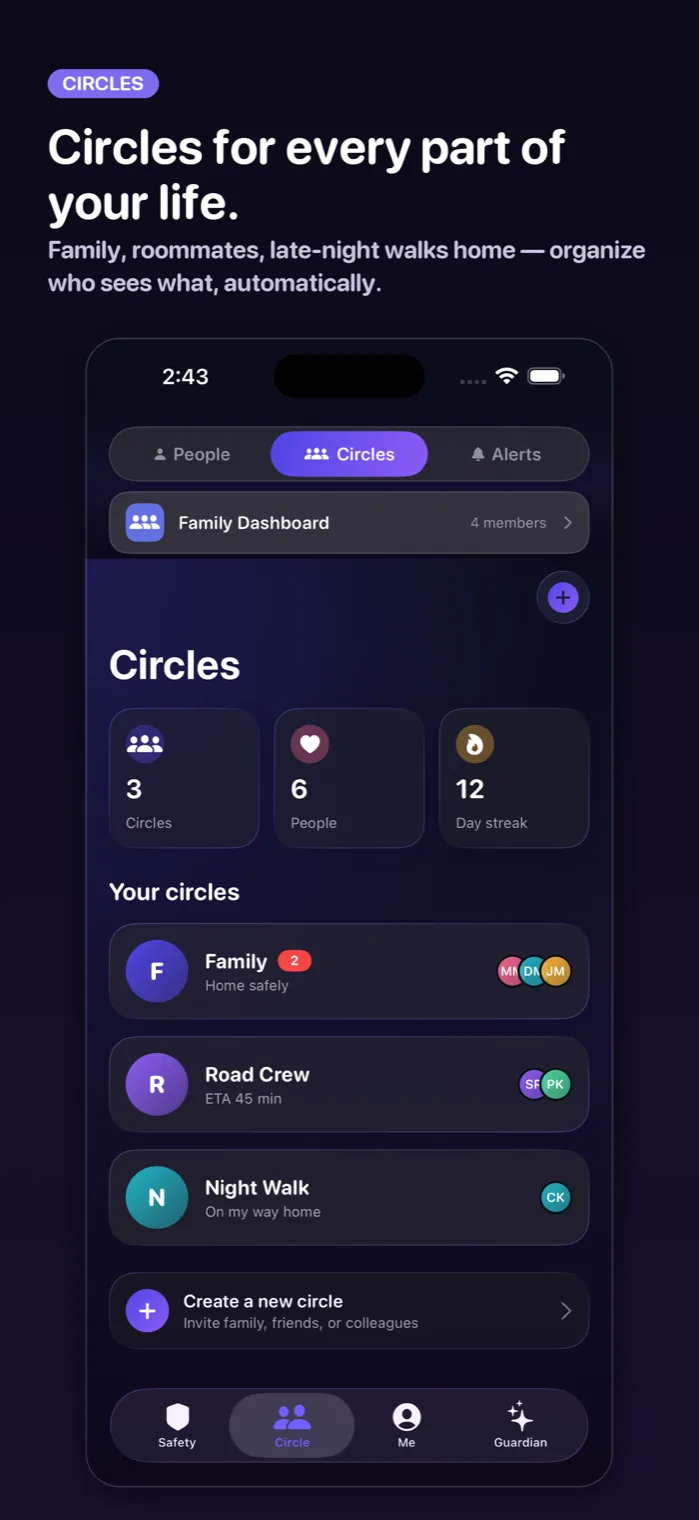
You can add multiple trusted contacts to your circle. There's no strict limit — add family, friends, roommates, or anyone you trust.